
MSDN Forum Assistant and TechNet Forum Assistant offer a convenient way for the forum users to read the forum recent threads and your own threads, it also make it easy to create new threads and search in the forum.
Supported operating systems: Windows 7, Windows Vista
To download, Click here
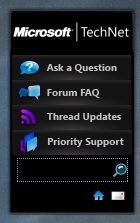
MSDN Forum Assistant and TechNet Forum Assistant are subject to license terms that must be agreed to prior to use. Installation: 1. Double-click the gadget installation package. 2. On the popup window, click “Install” to finish the installation. 3. The gadget usually will be automatically located on the desktop. If not, look it up from the Gadget Gallery and add it to the desktop.
Enjoy!!!

 PREMNAIR'S Blog